

Forex traders do not need fancy hosting talk. They need one thing: a VPS able to keep MT4, MT5, EAs, bots, and copy trades online without drama.
ForexVPS.net
Hostinger
ForexVPS.net is built around low latency trading VPS use, broker proximity, Windows Server, and trader tools, while Hostinger is a flexible KVM VPS made for apps, websites, automation, and custom server setups.
Both can work, but for serious forex VPS hosting, ForexVPS.net feels more ready for live trading out of the box. Hostinger wins on raw price and server flexibility.
Quick Verdict: ForexVPS.net vs Hostinger
ForexVPS.net wins for traders who care about broker latency, MT4, MT5, cTrader, trade copier use, and less server setup drama. Hostinger wins for price, raw VPS specs, Linux flexibility, and traders who already know server management.
| Area | ForexVPS.net | Hostinger | Winner |
|---|---|---|---|
| Forex focus | Built for forex trading platforms, EAs, bots, and broker latency | Built for general VPS use like apps, websites, AI, Docker, and automation | ForexVPS.net |
| Starting monthly price | $32 monthly, or lower on longer billing | $6.49 monthly for entry KVM VPS | Hostinger |
| Trading locations | 22 locations included | Server locations shown by recommendation flow, not broker-first positioning | ForexVPS.net |
| OS comfort for MT4/MT5 | Windows Server 2016, 2019, and 2022 | Linux VPS templates and full root access are central | ForexVPS.net |
| Trader extras | Trade copier, trading analytics, broker latency angle, resource spike protection | AI assistant, API, firewall, DDoS protection, Docker manager, web terminal | Depends |
Winner: ForexVPS.net, if the topic is strictly forex trading and not general VPS hosting.
What Is ForexVPS.net?
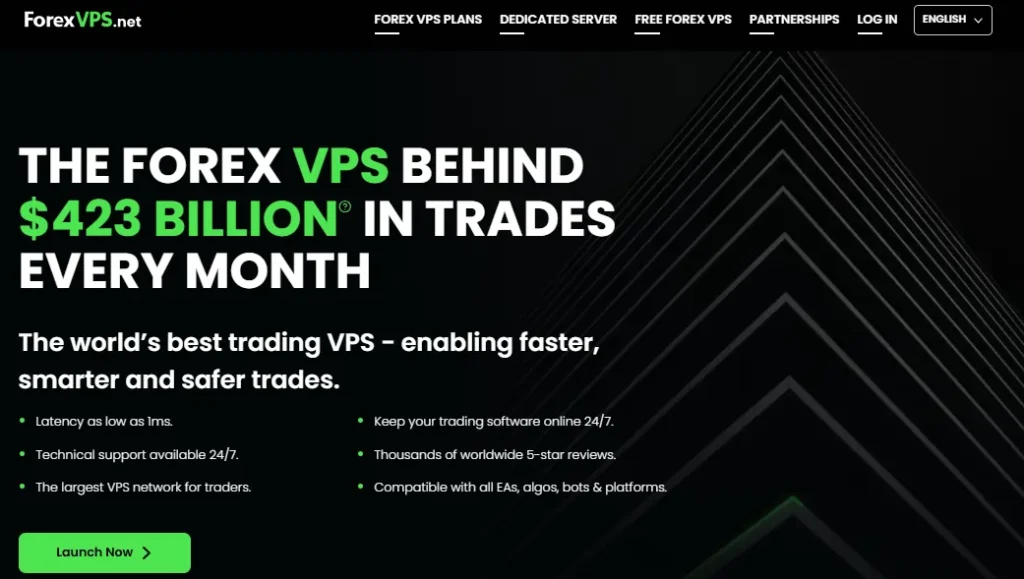
ForexVPS.net is a VPS provider made around forex traders, trading platforms, EAs, algos, bots, and broker server distance. It advertises latency as low as 1 ms, 24/7 technical support, 22 locations, trading platform support, and a VPS setup meant to keep trading software online 24/7.
The whole pitch is simple. Keep trading software online, close to broker servers, with fewer freezes and less latency drama.
ForexVPS.net also includes forex-specific extras such as automated backups, resource spike protection, cyber security protection, trace route monitoring, active load management, trading analytics, a dedicated IP, and trade copier access on VPS plans.
That is why it feels less like a blank server. It feels like a trading desk box.
What Is Hostinger VPS?
Hostinger VPS is a KVM-based VPS service built for many use cases, including websites, apps, AI tools, Docker, automation, open-source apps, and high-traffic projects.
Its VPS plans use AMD EPYC processors, NVMe storage, 1 Gbps network speed, free weekly backups, snapshots, full root access, firewall controls, DDoS protection, and an AI assistant called Kodee.
Hostinger gives more of a “build your own server” feel. Good power, good price, more responsibility.
For forex, Hostinger can work if a trader knows how to set up the required trading stack or uses tools that fit Linux or remote server setups.
Hostinger confirms full root access, custom software installation, OS templates, and self-managed VPS control, but its VPS page is not mainly framed around MT4, MT5, broker latency, or forex execution.
That difference matters. A trader does not always need more server control.
Sometimes, less setup pain matters more.
Forex Use Case Match
ForexVPS.net talks to traders directly.
Hostinger talks to builders, developers, app owners, automation users, and general VPS buyers.
That tone difference shows up fast.
ForexVPS.net mentions MT4, MT5, cTrader, Thinkorswim, NinjaTrader, TradingView, EAs, indicators, broker latency, and trading platforms.
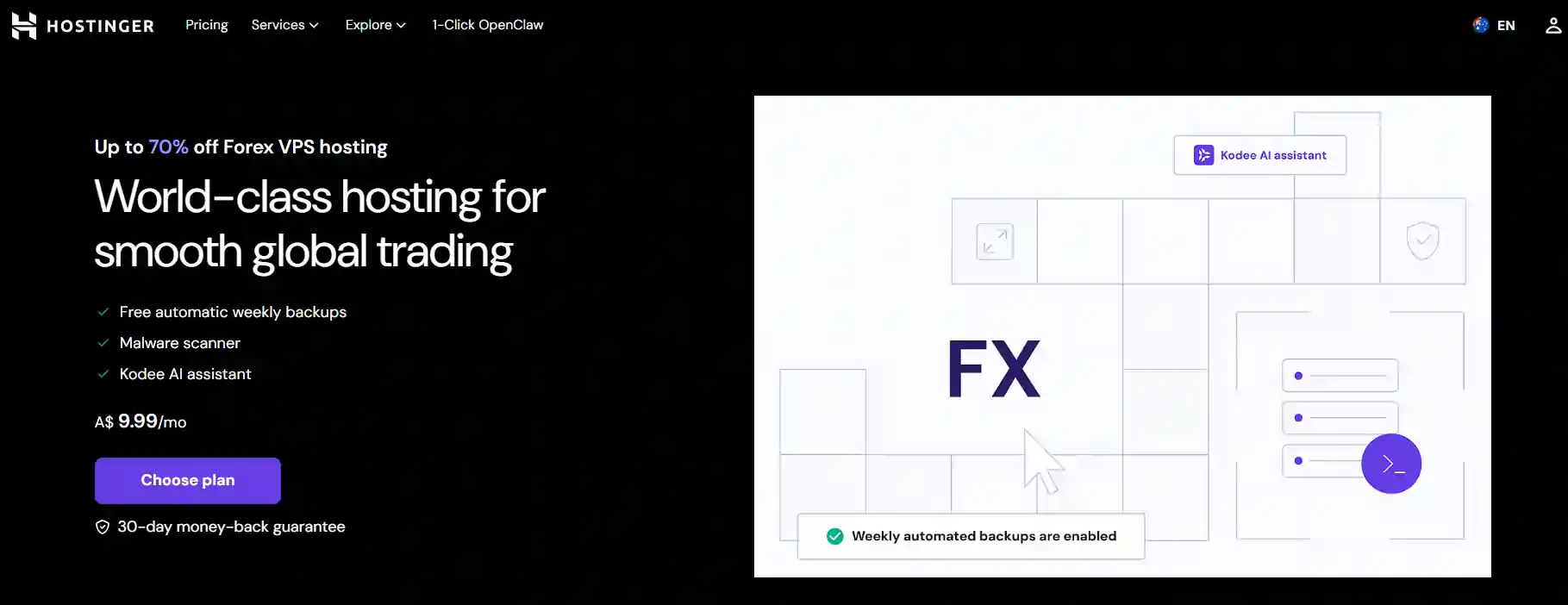
Hostinger mentions Docker, n8n, Claude Code, Codex CLI, Airflow, CloudPanel, Ubuntu, Debian, AlmaLinux, AI apps, web apps, and open-source deployments.
For forex traders, that gap is huge.
ForexVPS.net starts closer to what an EA trader actually needs.
Hostinger starts closer to what a sysadmin, SaaS builder, or automation fan needs.
Winner: ForexVPS.net, because forex support is not an add-on there.
Latency And Broker Distance
Forex latency is boring until one entry slips. Then everyone suddenly cares.

ForexVPS.net is built around location choice near broker servers, and its site pushes locations in financial hubs such as London, New York, Amsterdam, Frankfurt, Zurich, Hong Kong, Tokyo, Singapore, Chicago, Mumbai, Dubai, Toronto, Paris, Sydney, Seoul, and more.
ForexVPS.net also says traders should select the VPS location closest to their broker’s forex servers and recommends 1 ms latency where possible.
That is proper forex logic. Broker first, server second.
Hostinger offers global VPS hosting and recommends server location during setup, but its page does not position locations around broker servers or forex liquidity hubs.
For normal web projects, that is fine. For scalping, news trading, or copy trading, broker distance matters much more.
Winner: ForexVPS.net, because broker proximity is baked into its forex offer.
Uptime And Trade Safety
A VPS is boring by design. The best one is the one nobody notices during the London open.
ForexVPS.net puts a 100% uptime guarantee on its VPS plans and also lists automated backups across trading VPS tiers. It also talks about keeping trading software online 24/7, avoiding local power issues, avoiding home internet drops, and using data centre hosting for trading reliability.
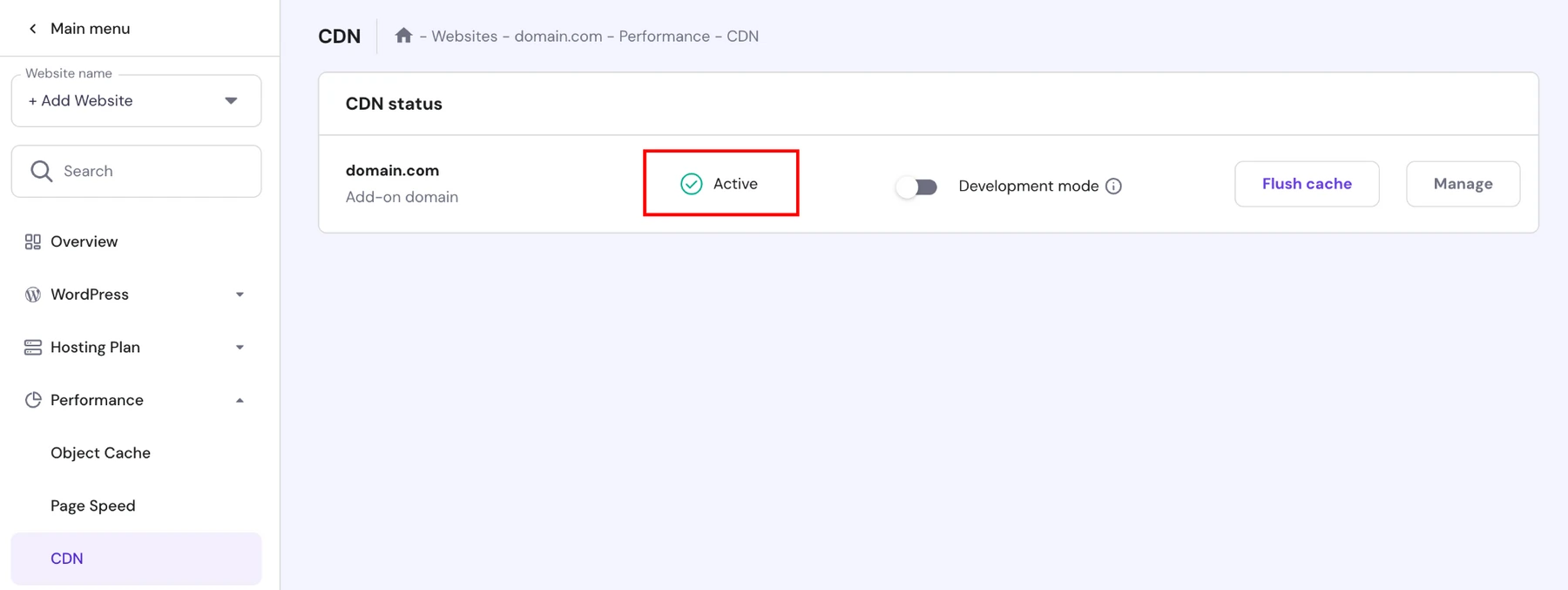
Hostinger also focuses on reliability with KVM isolation, dedicated VPS resources, free weekly backups, manual snapshots, DDoS filtering, managed firewall controls, and dedicated IPs.
That is a strong general VPS base. But again, Hostinger does not frame that uptime around open trades, EA continuity, broker servers, or news events.
ForexVPS.net even calls out platform freezes during high-impact news and says resource buffer support helps prevent disruption.
That line hits harder if NFP has ever cooked an entry.
Winner: ForexVPS.net, because trade continuity gets treated as a trading issue, not just a hosting issue.
MT4 And MT5 Support
MT4 and MT5 are still where many forex robots live. That makes Windows comfort a big deal.
ForexVPS.net lists support for all trading platforms and mentions compatibility with MT4, MT5, cTrader, TradingView, Thinkorswim, and NinjaTrader.
Its VPS comparison data also lists Windows Server 2016, 2019, and 2022 as operating options for trading VPS plans.
That matters because MT4 and many older trading tools are Windows-first.
Less patching. Less messing around.
Hostinger gives full root access and allows custom software installation, but its VPS page mainly shows Linux-based operating templates, web apps, Docker, panels, and server software.
A technical trader can still make things work. But a normal MT4 user will likely need more steps.
Winner: ForexVPS.net, because MT4 and MT5 fit more naturally.
EA And Bot Trading
A simple EA does not need monster hardware. A messy chart pack with 20 indicators? Different story.
ForexVPS.net gives clear platform guidance: entry trading VPS supports 1 to 3 trading platforms, middle trading VPS supports 3 to 6, and high-tier trading VPS supports 6 or more platforms.
That makes sizing simple. No need to guess from CPU charts.
ForexVPS.net also notes that EAs vary by resource use, indicators can consume more VPS resources, and platform count depends on charts, EAs, and software load.
That is honest and useful.
Hostinger gives stronger raw resources at lower prices, with plans from 1 vCPU and 4 GB RAM up to 8 vCPU and 32 GB RAM.
For non-Windows bots, custom scripts, Python tools, Docker bots, crypto bots, and automation tasks, Hostinger can be excellent value.
But for classic MT4/MT5 EA trading, ForexVPS.net gives cleaner guidance.
Winner: ForexVPS.net, because EA traders get trading-specific sizing.
Server Resources And Specs
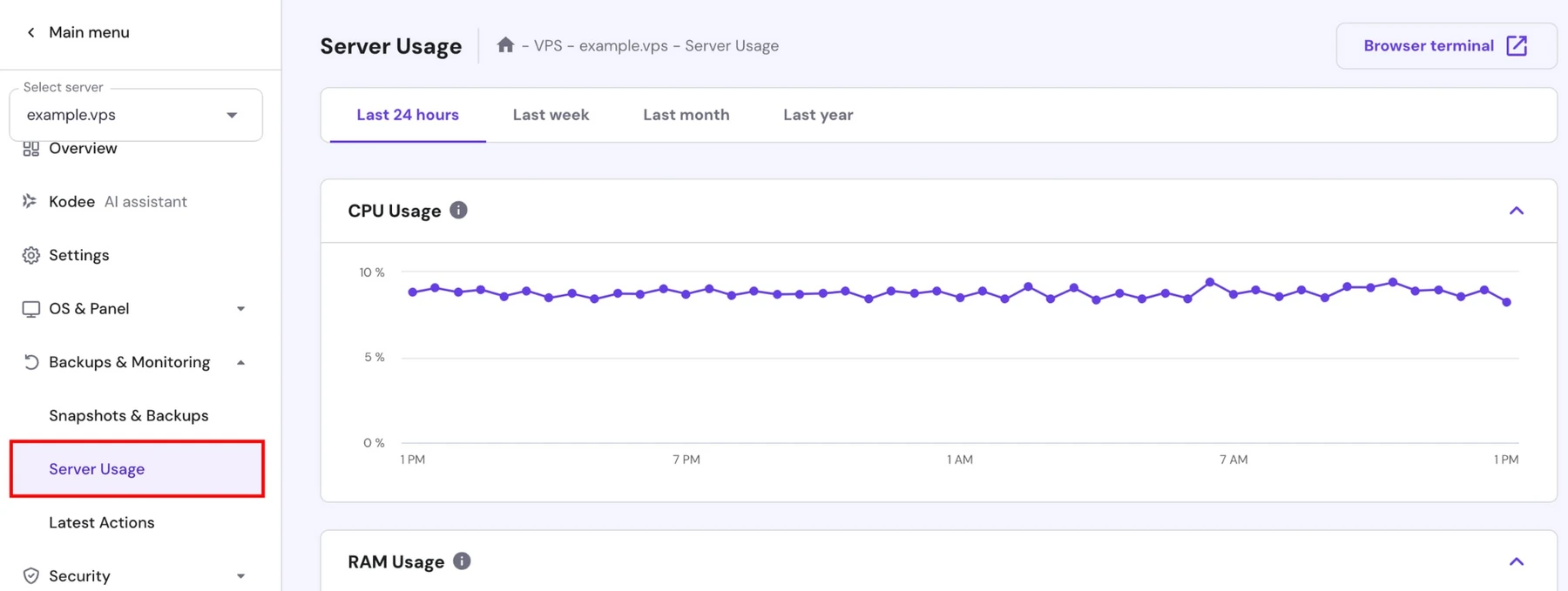
Hostinger looks very strong when comparing raw specs per dollar. Its VPS plans scale from 1 vCPU, 4 GB RAM, 50 GB NVMe storage, and 4 TB bandwidth to 8 vCPU, 32 GB RAM, 400 GB NVMe storage, and 32 TB bandwidth.
That is serious room for apps, bots, panels, scripts, logs, and automation.
ForexVPS.net starts lower on RAM per dollar, but its specs are shaped around trading platform counts. Its VPS plans include 2 CPU and 4 GB memory with 100 GB storage, 4 CPU and 6 GB memory with 150 GB storage, and 6 CPU and 8 GB memory with 200 GB storage.
So Hostinger wins raw muscle. ForexVPS.net wins trader mapping.
If a trader only wants maximum RAM for minimum spend, Hostinger feels tempting.
If a trader wants “how many MT4 terminals can I run?” ForexVPS.net answers faster.
Winner: Hostinger, because raw VPS specs are stronger for the price.
Pricing And Plan Value: ForexVPS.net vs Hostinger
Pricing is where Hostinger punches hard.
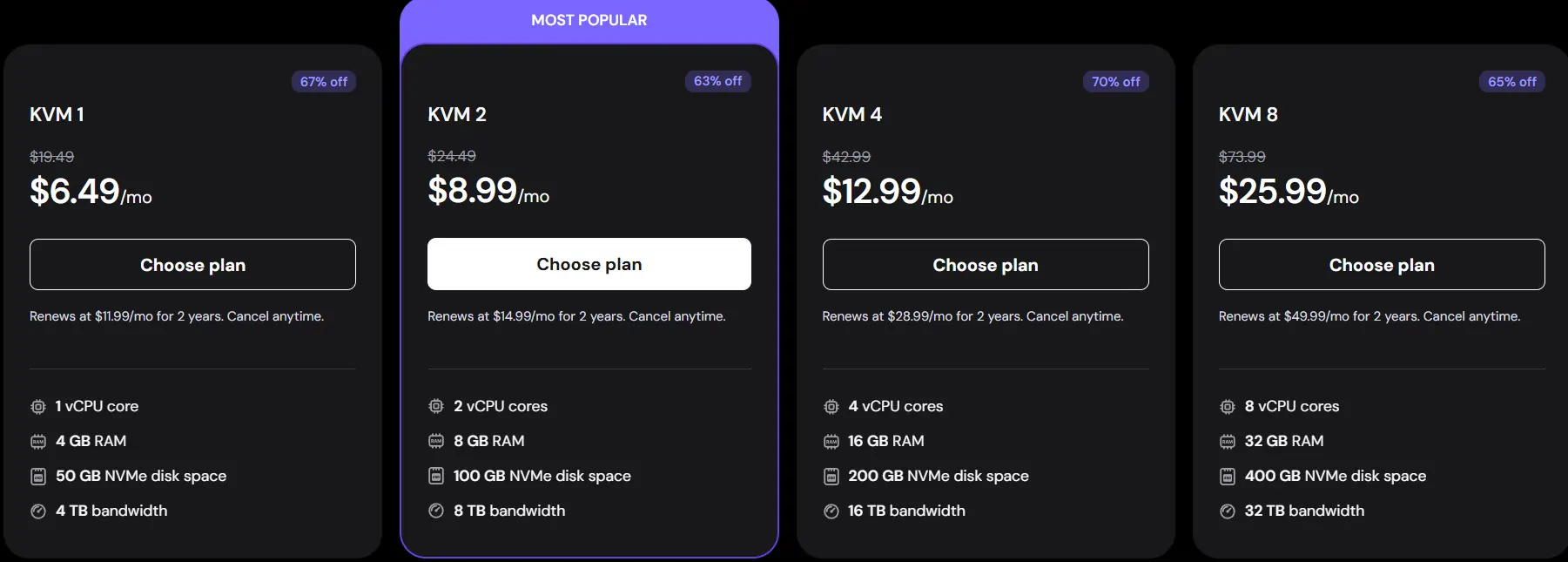
Hostinger’s VPS plans range from $6.49 to $25.99 per month, with resource levels from 1 vCPU and 4 GB RAM to 8 vCPU and 32 GB RAM.
ForexVPS.net costs more.
ForexVPS.net trading VPS pricing starts at $32 monthly, with discounted yearly pricing shown as $25.60 per month on its entry trading VPS tier.
Here is a clean price view.
| Provider | Plan | Monthly Price | Yearly Promo Price | Main Specs |
|---|---|---|---|---|
| ForexVPS.net | Core | $32 | $25.60/mo yearly | 2 CPU, 4 GB memory, 100 GB storage, 1 to 3 trading platforms |
| ForexVPS.net | 4 CPU trading tier | $48 | $38.40/mo yearly | 4 CPU, 6 GB memory, 150 GB storage, 3 to 6 trading platforms |
| ForexVPS.net | Prime | $64 | $51.20/mo yearly | 6 CPU, 8 GB memory, 200 GB storage, 6+ platforms |
| Hostinger | KVM 1 | $6.49/mo | Not needed here | 1 vCPU, 4 GB RAM, 50 GB NVMe, 4 TB bandwidth |
| Hostinger | KVM 2 | $8.99/mo | Not needed here | 2 vCPU, 8 GB RAM, 100 GB NVMe, 8 TB bandwidth |
| Hostinger | KVM 4 | $12.99/mo | Not needed here | 4 vCPU, 16 GB RAM, 200 GB NVMe, 16 TB bandwidth |
| Hostinger | KVM 8 | $25.99/mo | Not needed here | 8 vCPU, 32 GB RAM, 400 GB NVMe, 32 TB bandwidth |
Hostinger clearly gives more CPU, RAM, storage, and bandwidth per dollar.
But ForexVPS.net includes trader extras like trading analytics, trade copier, dedicated IP, broker-focused locations, automated backups, cyber security protection, trace route monitoring, and active load management.
So price alone says Hostinger. Forex value says ForexVPS.net.
Winner: Hostinger, if budget matters most.
Setup And Daily Use
ForexVPS.net feels more familiar if daily work happens inside MT4, MT5, or a Windows remote desktop. It lets traders control VPS access through a browser-based control panel, and its plans are positioned around trading platforms rather than server stacks.
That means fewer “now what?” moments.
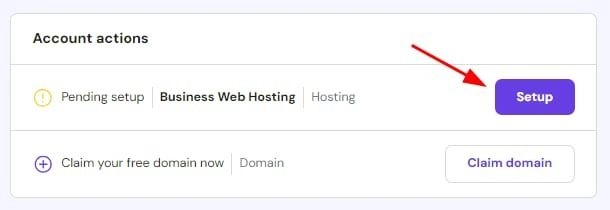
Hostinger is cleaner for people who like dashboards, templates, root access, Docker, APIs, web terminal commands, and AI-assisted server work.
Kodee can monitor server health, manage security, debug issues, and help manage VPS tasks through built-in AI features.
That is handy. But a forex trader who only wants MT5 live all week may not want to think about Docker or server prompts.
ForexVPS.net feels less clever. That is a compliment here.
Winner: ForexVPS.net, because trading setup is more direct.
Security And Backups
Both providers take security seriously, but in different ways.
ForexVPS.net lists cyber security protection, DDoS protection on dedicated servers, resource spike protection, automated backups, dedicated IPs, trace route monitoring, and active load management across its trading VPS offer.
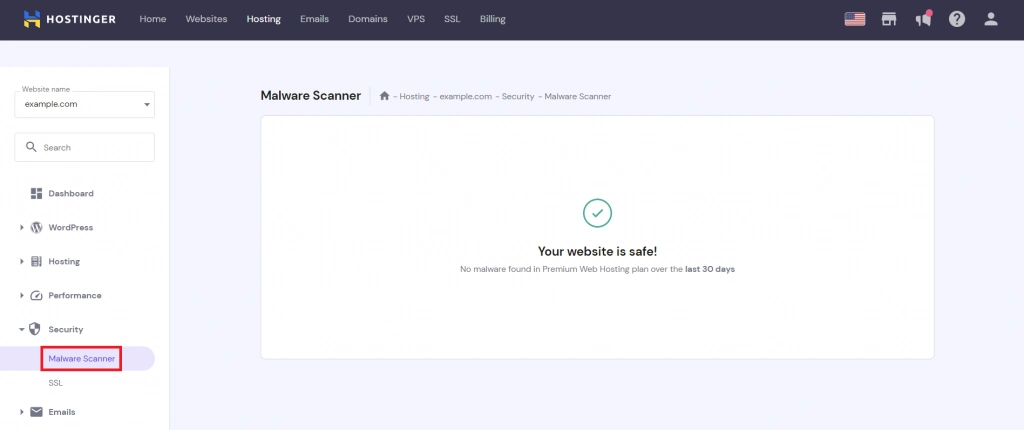
Hostinger includes managed firewall, DDoS filtering, malware scanner, dedicated IP, weekly backups, manual snapshots, and KVM isolation.
Hostinger may feel better for someone who wants server-level control.
ForexVPS.net feels better for someone who wants trading continuity without touching too much.
For pure security controls, Hostinger has more admin freedom. For trader-friendly protection, ForexVPS.net feels easier.
Winner: Hostinger, because firewall, malware scanner, snapshots, and root-level control give more technical reach.
Support For Traders
Support matters most when something breaks five minutes before London open.
ForexVPS.net offers 24/7 expert support through live chat and email, and its site frames support around trading setup questions, connection issues, MetaTrader setup, payments, and server upgrades.
That context matters. A support team used to MT4 questions saves time.
Hostinger provides 24/7 Customer Success support for general VPS questions, tutorials, quick guides, Hostinger Academy videos, and Kodee AI support for VPS tasks.
That is useful for server work. But if a trader asks “why is my EA freezing after 8 charts?” ForexVPS.net feels more likely to understand context faster.
Hostinger support can help with server basics.
ForexVPS.net support feels closer to trading pain.
Winner: ForexVPS.net, because forex context matters during live markets.
Scalping And News Trading
Scalpers care about delay. News traders care about freeze risk.
ForexVPS.net sells around low latency, financial data centre locations, broker proximity, resource spike protection, and platform freeze prevention during high-impact news.
Hostinger can still be fast because it uses AMD EPYC processors, NVMe storage, and 1 Gbps network speed. But speed on a general VPS is not the same as broker-aware placement.
For a swing trader, the difference may not feel massive.
For scalping, small delay can matter.
ForexVPS.net has a clearer case here.
Winner: ForexVPS.net, especially for scalping and news-sensitive EAs.
Copy Trading And Accounts
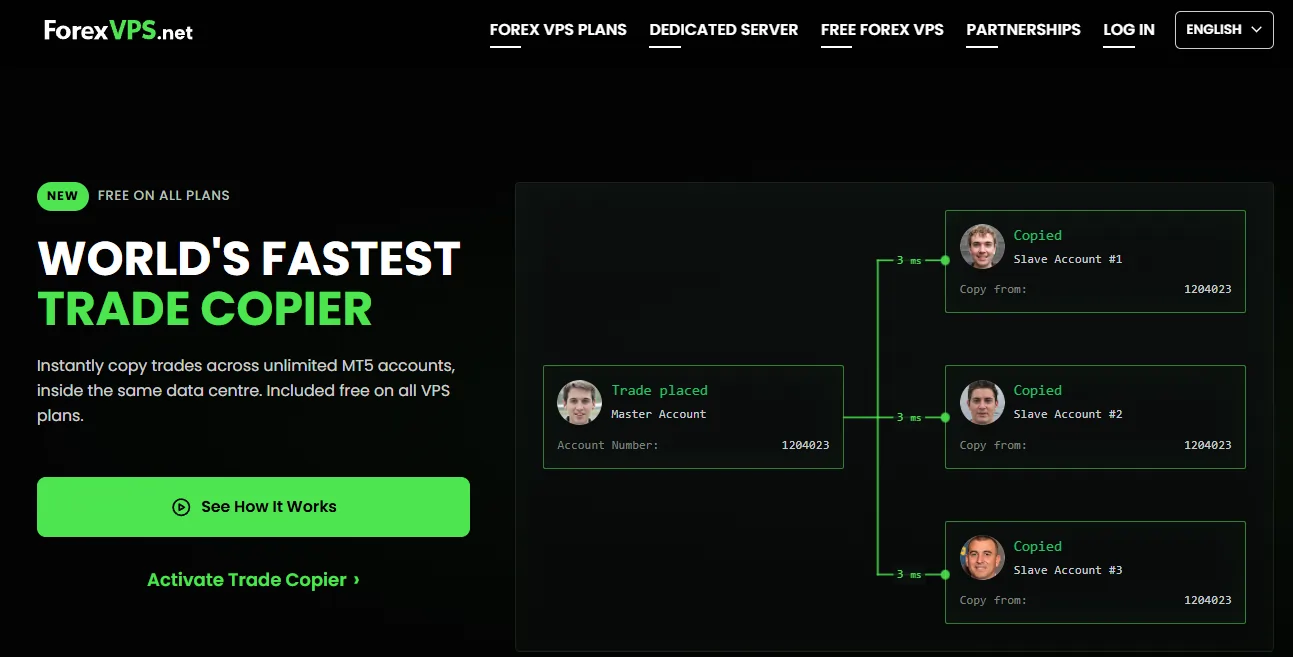
ForexVPS.net includes a trade copier at no extra cost with VPS purchase and positions it as pre-installed and ready to use. That is useful for traders managing multiple accounts, prop firm accounts, or copier setups.
Hostinger does not promote any forex trade copier feature on its VPS hosting page. A trader could still install third-party copier tools on a compatible setup.
But that means more setup.
ForexVPS.net also includes dedicated IP access across trading VPS plans, which helps with stable remote access and account environment consistency.
Hostinger also gives dedicated IPs on KVM VPS plans, which helps with security and access control.
For copy trading, ForexVPS.net feels more ready.
No surprise there.
Winner: ForexVPS.net, because trade copier support is built into the offer.
AI, API And Automation
Hostinger wins clearly if a trader wants more than MT4 or MT5.
Hostinger includes Hostinger VPS API, API MCP server, web terminal, Docker Compose manager, Kodee AI assistant, and one-click deployment options for tools like n8n, Docker, Claude Code, Codex CLI, Airflow, and other apps.
A trader could host dashboards, bots, alerts, scrapers, webhook tools, or automation scripts on Hostinger.
ForexVPS.net is not trying to be a developer sandbox. Its value sits around trading platforms, broker locations, uptime, trade copier, and trading analytics.
So Hostinger is better if the strategy stack includes APIs, Python scripts, webhooks, dashboards, and custom automation.
ForexVPS.net is better if strategy stack means MT4, MT5, EAs, and copier tools.
Winner: Hostinger, because automation freedom is much stronger.
Which Feels Better Daily?
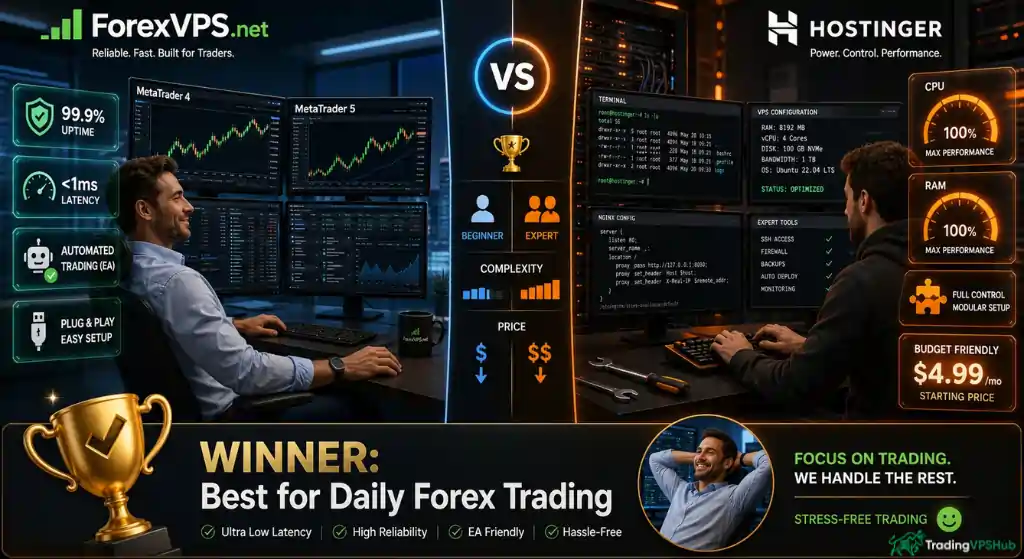
ForexVPS.net feels like a trading appliance. Log in, install or open platforms, keep EAs alive, check latency, move on.
Hostinger feels like a proper VPS. Powerful, cheaper, flexible, but not hand-held around forex needs.
That is not a weakness. It just means Hostinger needs a more technical owner.
For a TradingVPSHub-style trader who cares about broker distance, open trades, VPS uptime, platform freezes, and EA stability, ForexVPS.net feels safer.
For a technical trader who wants cheap resources and does not mind manual setup, Hostinger is hard to ignore.
Winner: ForexVPS.net, because daily forex use feels less forced.
Best Choice By Trader Type: ForexVPS.net or Hostinger?
Different setups need different VPS choices.
Here is where each one makes sense.
| Trader Type | Better Choice | Why |
|---|---|---|
| MT4 EA trader | ForexVPS.net | Windows trading VPS, platform count guidance, EA-focused support |
| MT5 swing trader | Hostinger | Cheaper VPS resources may be enough if setup is handled well |
| Scalper | ForexVPS.net | Broker-first locations and low-latency focus matter more |
| News trader | ForexVPS.net | Resource buffer and platform freeze angle fit news pressure |
| Copy trader | ForexVPS.net | Trade copier included with VPS purchase |
| Python bot trader | Hostinger | Root access, Docker, API, and Linux templates fit custom bots |
| Budget trader | Hostinger | Entry VPS price starts far lower |
| Multi-platform trader | ForexVPS.net | Platform count guidance makes sizing easier |
| Server-savvy trader | Hostinger | More control, more raw value, more automation options |
If the trading style is simple and cost-sensitive, Hostinger makes sense.
If trades depend on execution timing, ForexVPS.net becomes easier to justify.
Where Hostinger Beats ForexVPS.net
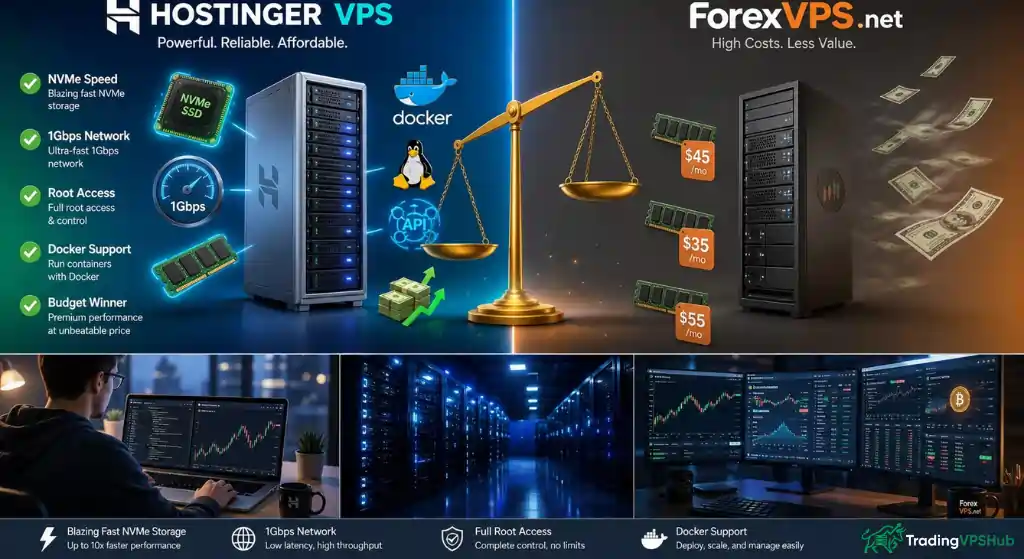
Hostinger is not weak. It is just not forex-first. Its strongest points are price, raw VPS power, NVMe storage, 1 Gbps network speed, root access, API access, Docker support, AI server help, snapshots, and Linux flexibility.
That package is great for custom trading tools. It also works well if someone wants to host n8n, scripts, dashboards, alert bots, web apps, or crypto automations besides trading work.
ForexVPS.net costs more and gives less raw RAM per dollar.
So if every dollar counts, Hostinger is the cleaner budget play.
Just remember: cheap VPS savings can disappear fast if setup eats time or trading platform reliability suffers.
Where ForexVPS.net Beats Hostinger
ForexVPS.net wins where traders actually feel pain.
Latency, Broker location, MT4 and MT5 comfort, Platform freezes, EA uptime, Copy trading.
Support that understands trading language.
ForexVPS.net offers 22 locations, 100% uptime guarantee wording, trading platform support, Windows Server options, trader tools, resource spike protection, trace route monitoring, active load management, trading analytics, and trade copier inclusion.
Hostinger is powerful and ForexVPS.net is more relevant.
That is the main difference.
FAQs Related to ForexVPS.net and Hostinger VPS
Is ForexVPS.net better than Hostinger for MT4?
Yes, ForexVPS.net is better for MT4 because its VPS offer is built around trading platforms, Windows Server options, broker locations, and platform count guidance. Hostinger can work for custom setups, but its VPS page focuses more on Linux, apps, Docker, AI tools, and general server use.
Can Hostinger VPS run MT5 bots?
Hostinger VPS can run custom software because it gives full root access and allows custom server configuration. But its official VPS page does not present MT5 bot trading as a main use case, so traders may need more manual setup than with ForexVPS.net.
Does ForexVPS.net support multiple MT4 terminals?
ForexVPS.net gives platform count guidance across its VPS tiers, from 1 to 3 trading platforms up to 6 or more trading platforms. It also notes that chart count, EA load, and indicators can affect server resource use.
Is Hostinger good for scalping?
Hostinger may work for some scalping setups if server location, broker route, and software setup are tuned well. ForexVPS.net is the safer forex-focused choice because it centres its offer around low latency, broker proximity, and trading platform stability.
Does ForexVPS.net include a trade copier?
ForexVPS.net includes a trade copier with VPS purchase and presents it as ready to use at no extra cost. That makes it more useful for account copying, signal setups, and multi-account trading than a general VPS plan.
Final Verdict
ForexVPS.net is better for Forex because it is made around trading execution, broker latency, Windows trading platforms, EAs, trade copier use, analytics, 24/7 support, and 22 financial data centre locations .
Hostinger is better for price, raw specs, Linux control, AI server help, backups, snapshots, firewall tools, and developer-friendly VPS freedom.
For TradingVPSHub’s audience, the honest call is simple.
ForexVPS.net gets a small but clear advantage for live trading.
Hostinger is still a smart budget choice for testing, learning, light bots, or traders who enjoy server control.
If real money, EAs, and execution timing matter, ForexVPS.net feels like the safer Forex VPS pick.
Overall Winner: ForexVPS.net